How do I convert HEIC photos to JPG?
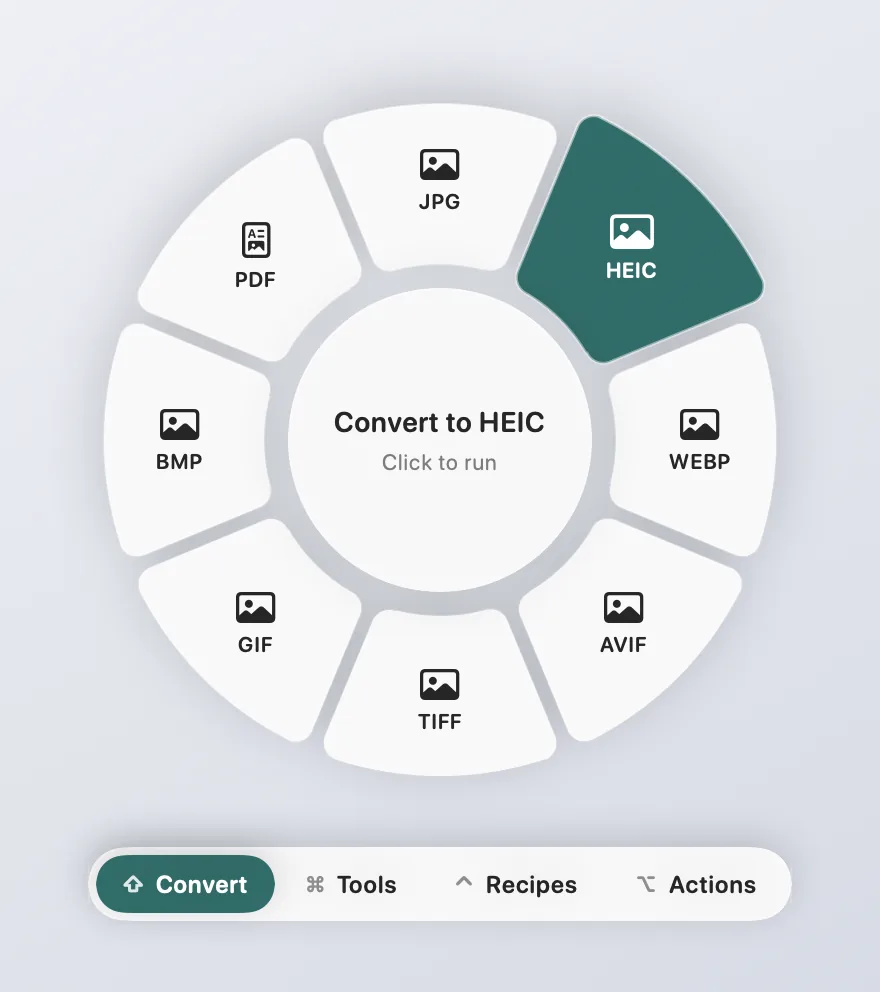
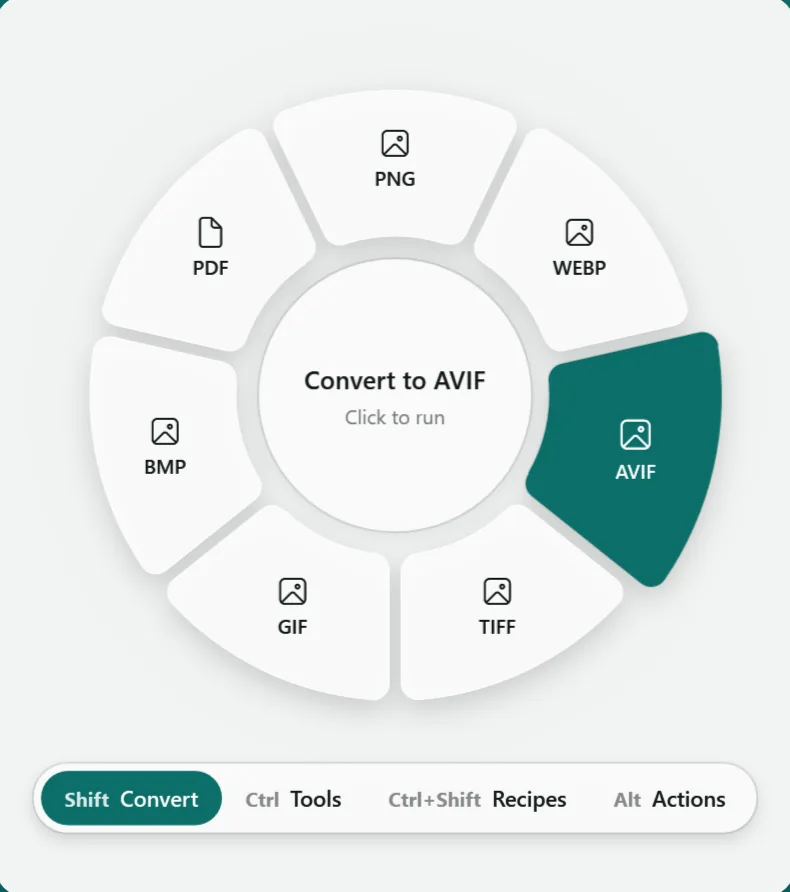
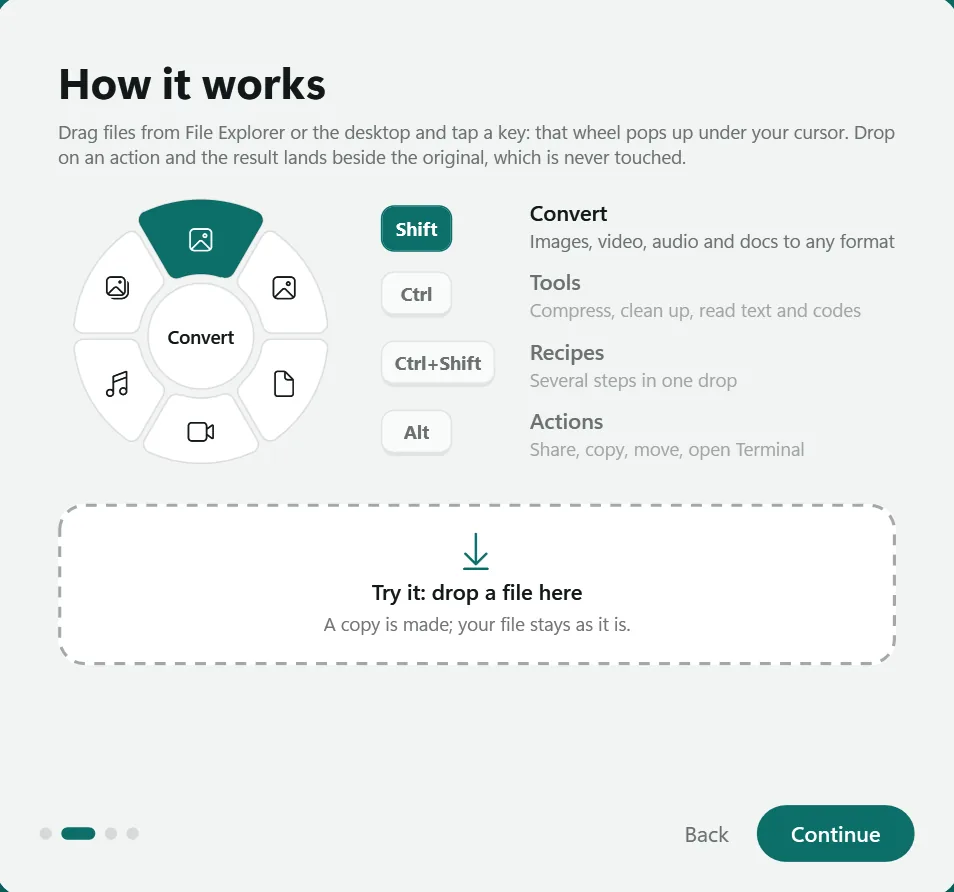
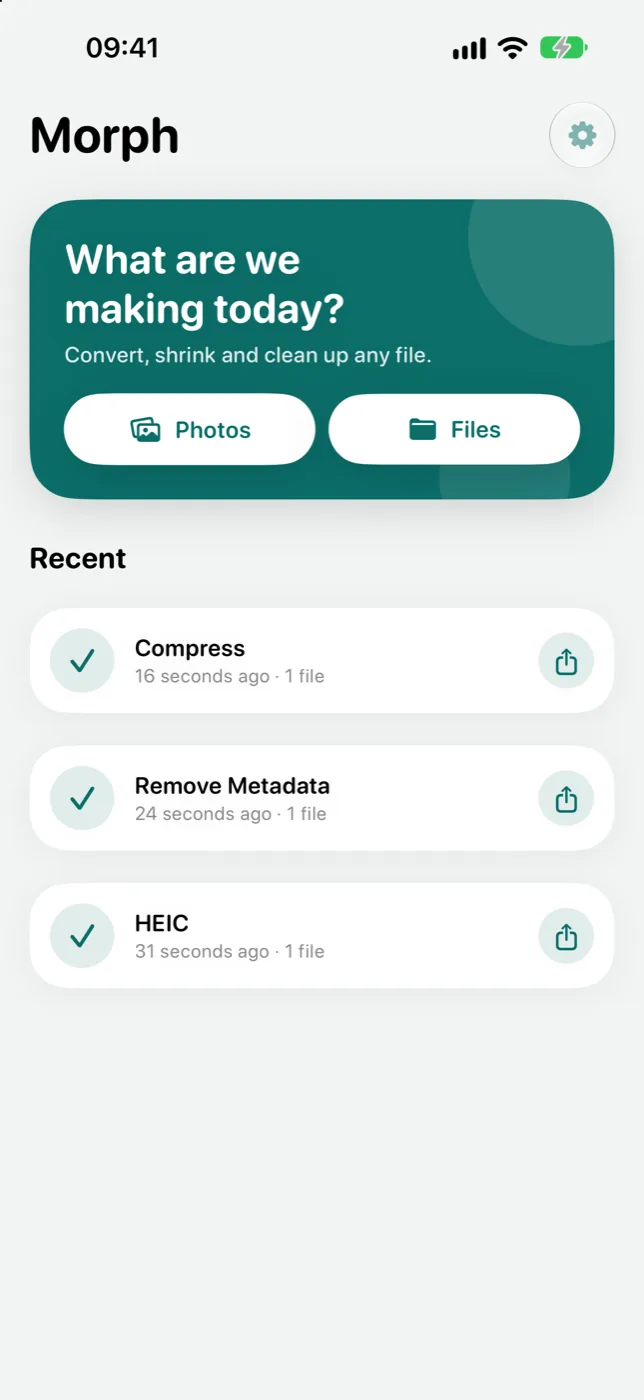
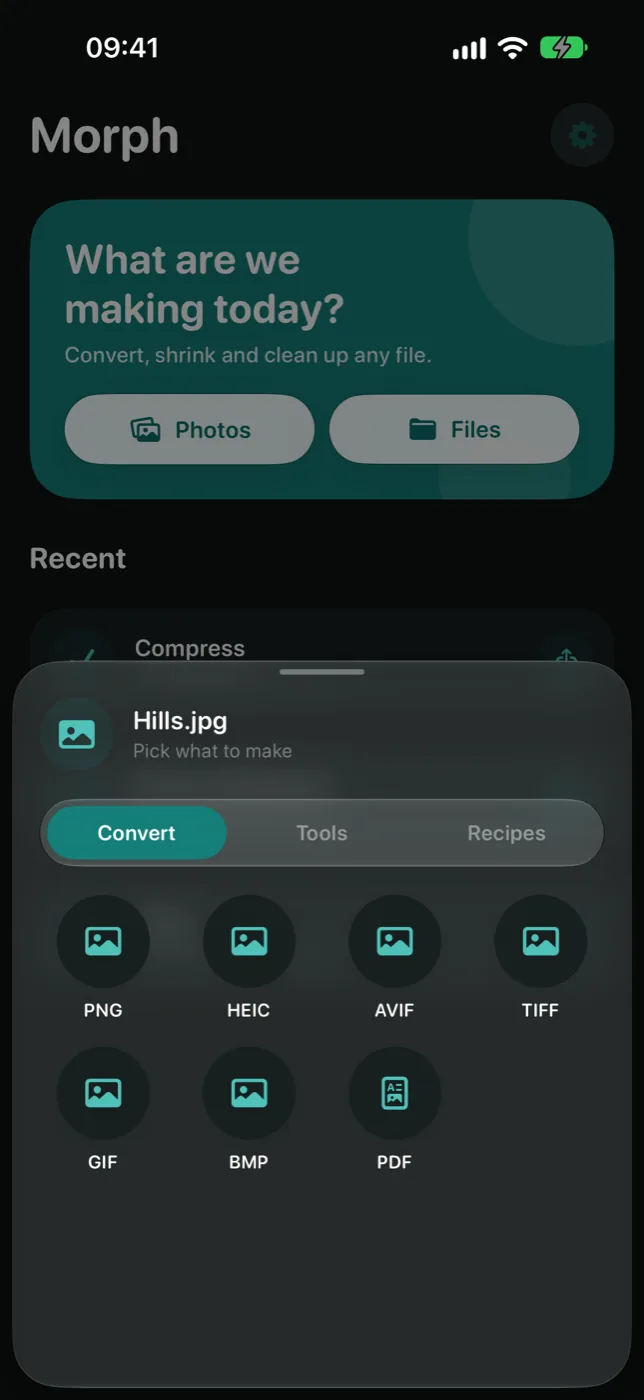
Open the photo in Morph and choose JPG. On a Mac or Windows PC, start dragging the photo and tap Shift: the Convert wheel opens under your cursor, and the JPG lands beside the original. On iPhone and Android, share the photo to Morph or pick it in the app.
How do I compress a photo to 200 KB, 100 KB or 50 KB?
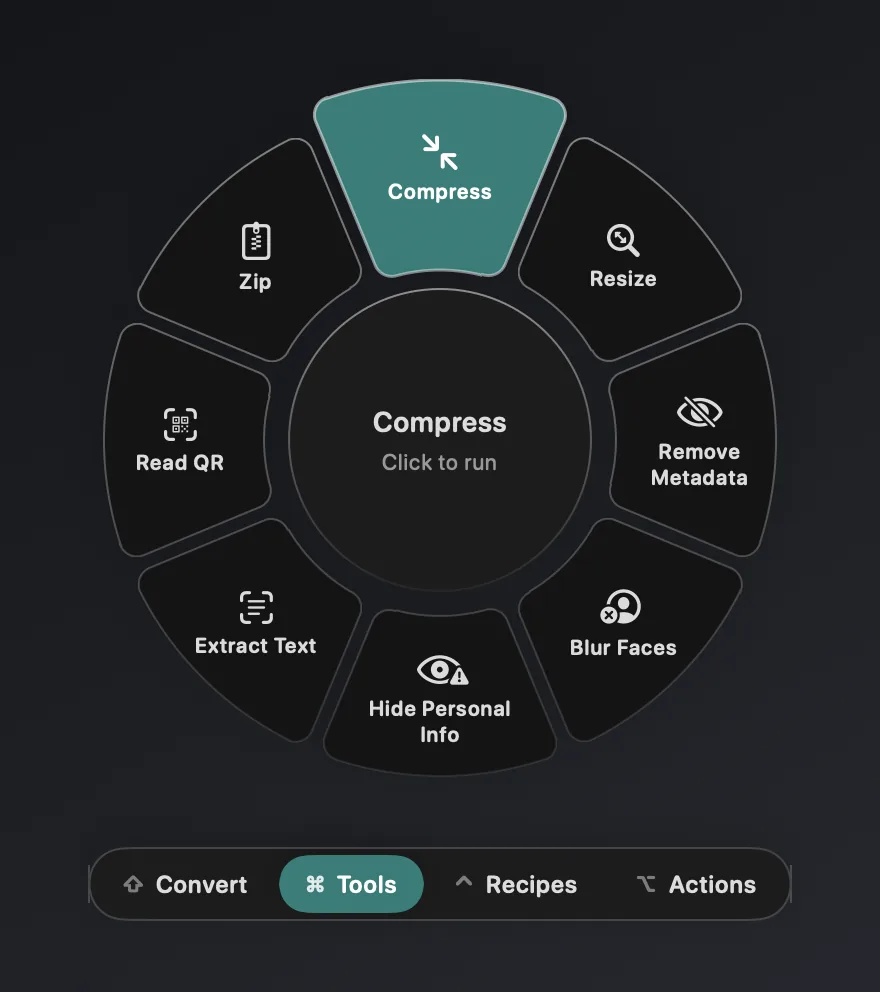
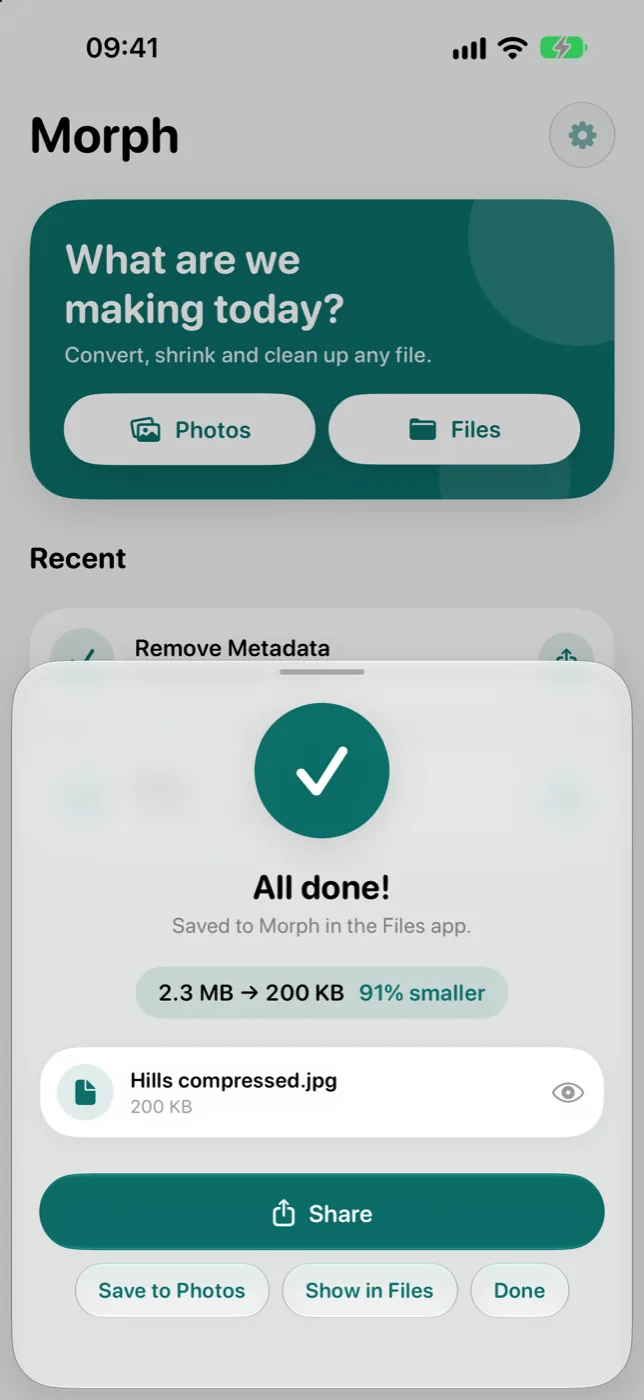
Set a size limit in Morph's Settings, from 20 KB to 5 MB or any size you type, then use Compress. Morph makes a JPG under the limit at the best quality that fits, which is what exam forms and job portals ask for.
Can Morph convert PNG to SVG, or SVG to PNG?
Yes, both ways. Any image can be traced into a real vector SVG, which works best for logos, icons and simple drawings, and an SVG can be turned into PNG, JPG, WEBP or PDF at a sharp size.
Does Morph upload my files?
No. Every conversion runs on your own device, and the apps make no network requests. There are no accounts, no ads and no tracking, and your originals are never changed.
Is Morph free?
Yes. Morph is free on every platform and open source under the MIT license, with nothing to unlock.
Which devices does Morph run on?
Mac (macOS 14 or later), Windows 10 and 11, iPhone and iPad (iOS 17 or later) and Android 10 or later.